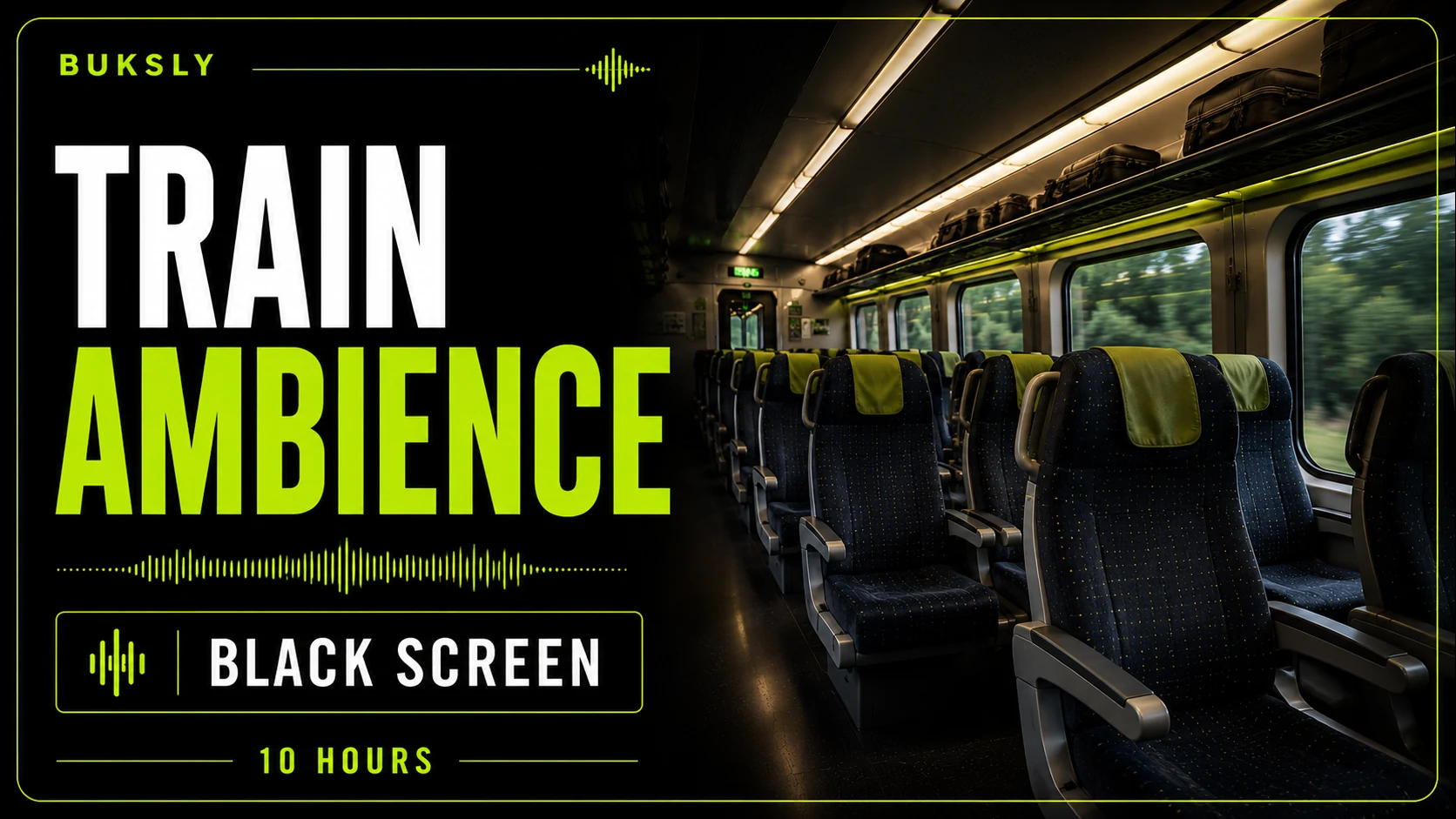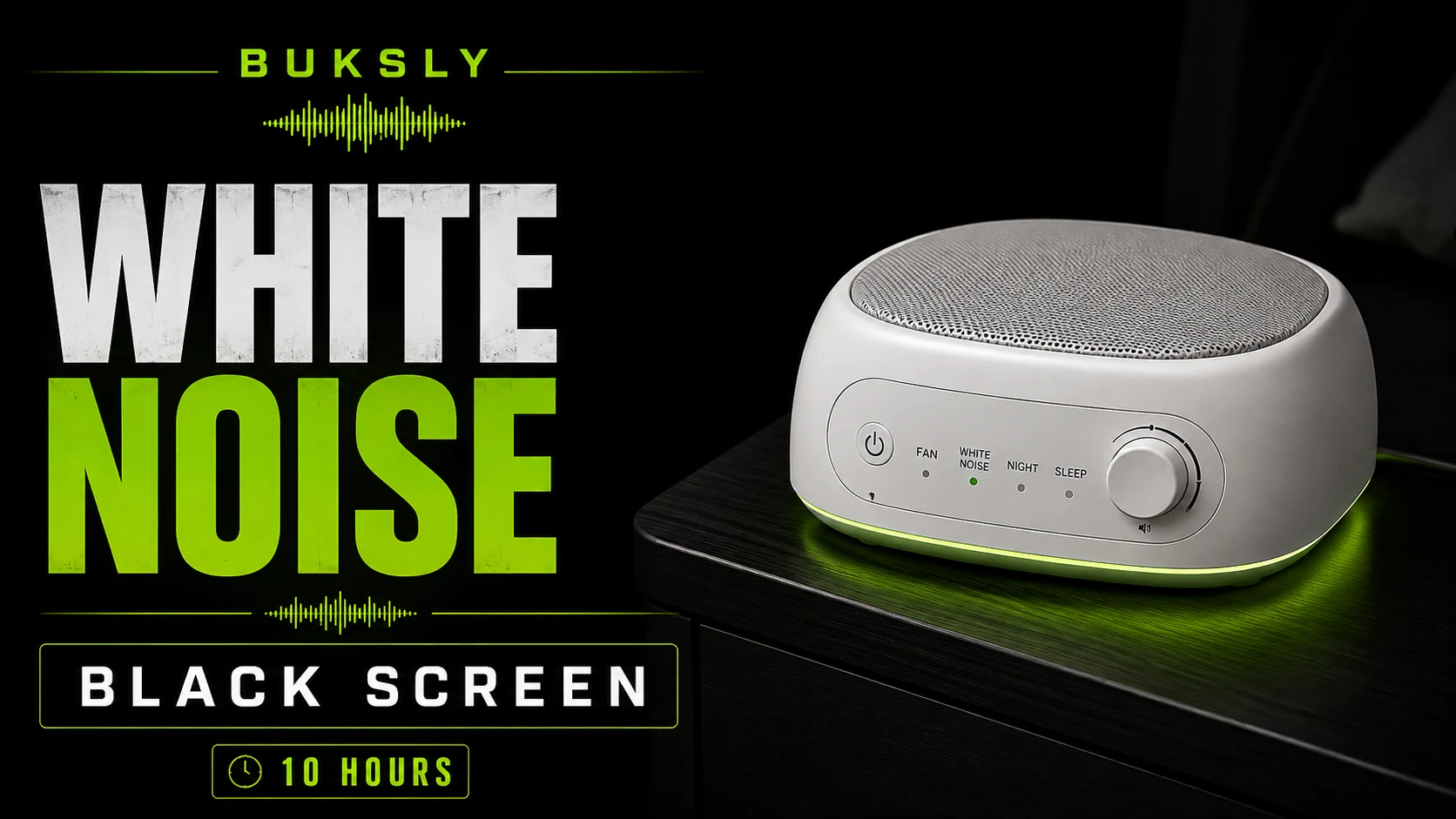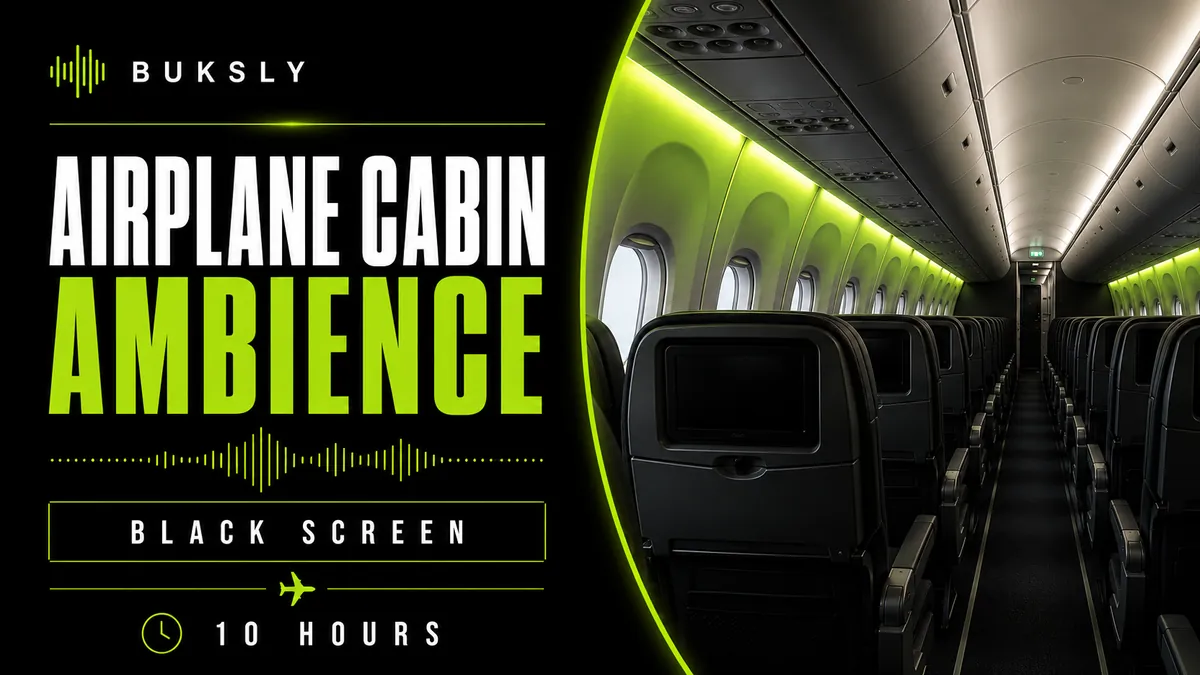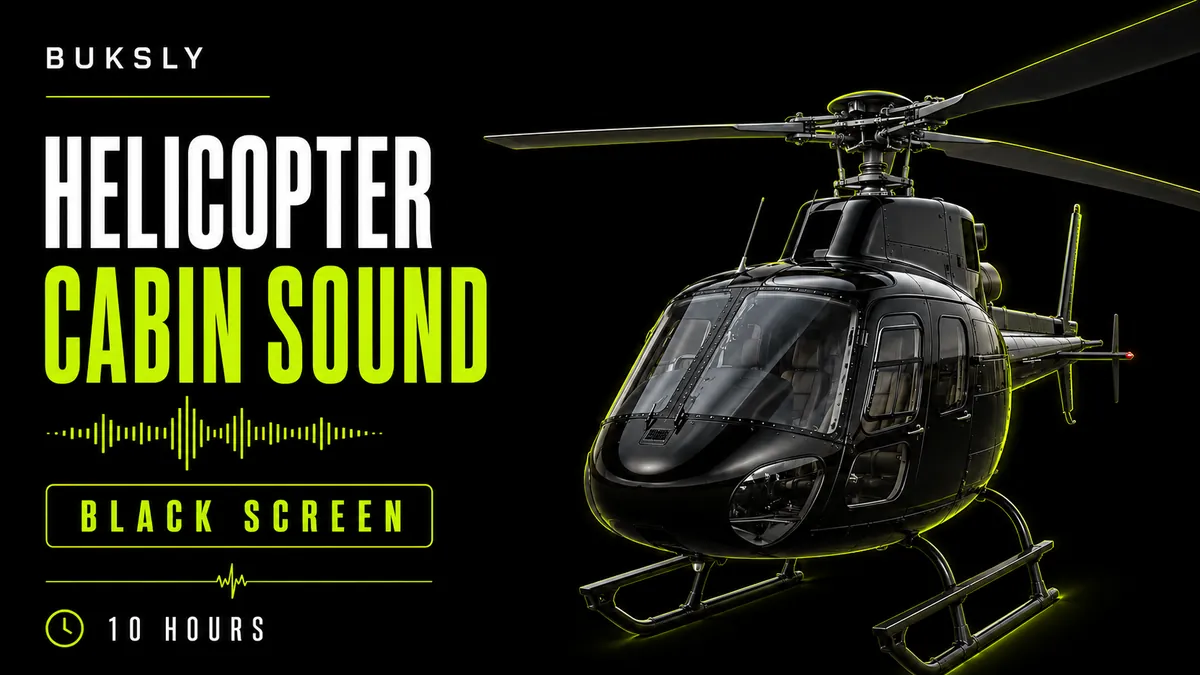
Ambient sound, organized by use case

Choose a sound for the moment.

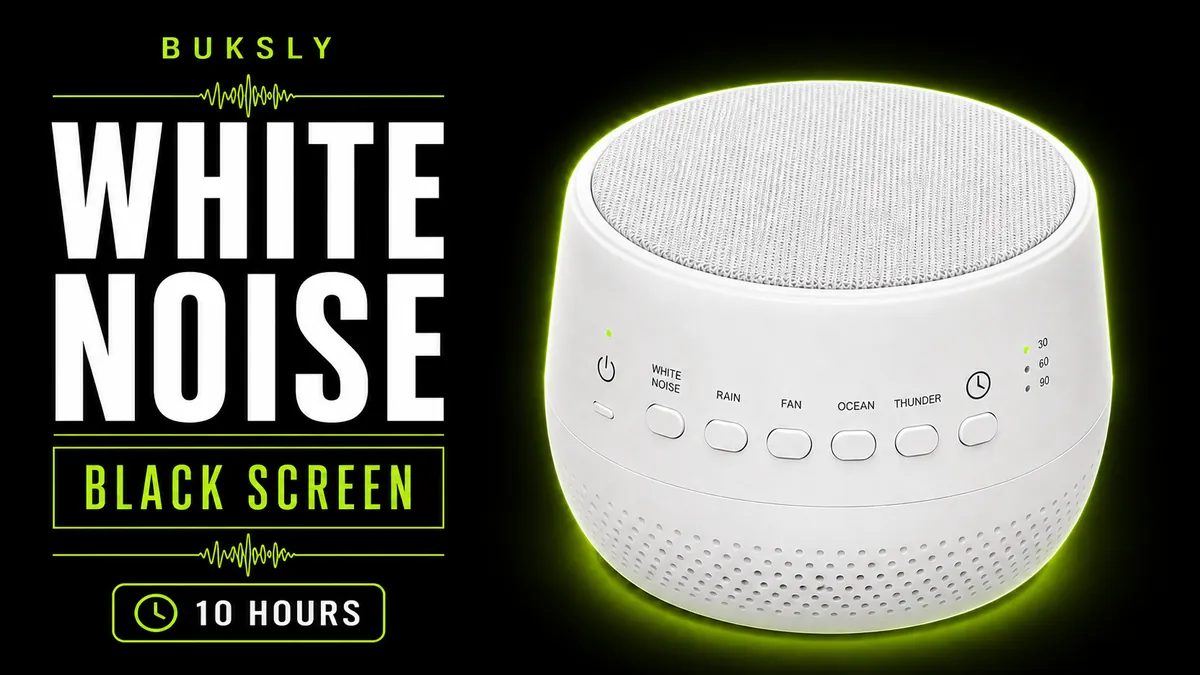
Buksly pairs continuous ambient recordings with clear use cases for sleep, focus, reading, studying, work, relaxation, and sound masking.

Headphones and an audio mixer beside a green waveform

Browse by sound category

Start with the sound itself.

Choose a source sound, then open the Sound for Use Case session that fits your setting.

All categories →
Server Buzz ambient cover for sleep

Server Buzz

A concentrated equipment buzz with electrical overtones, tight fan energy, and a distinctly technical midrange presence.

View category
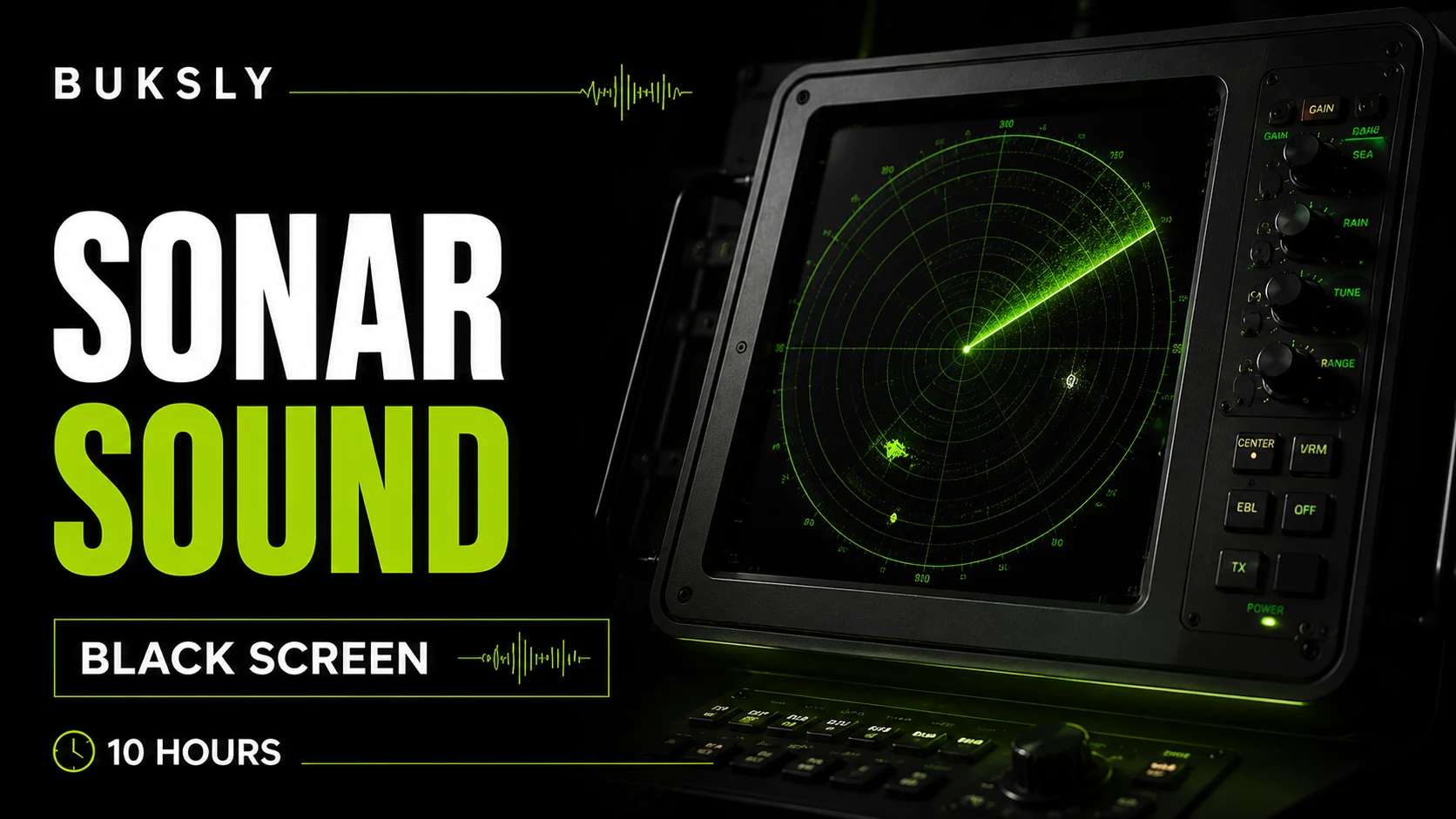
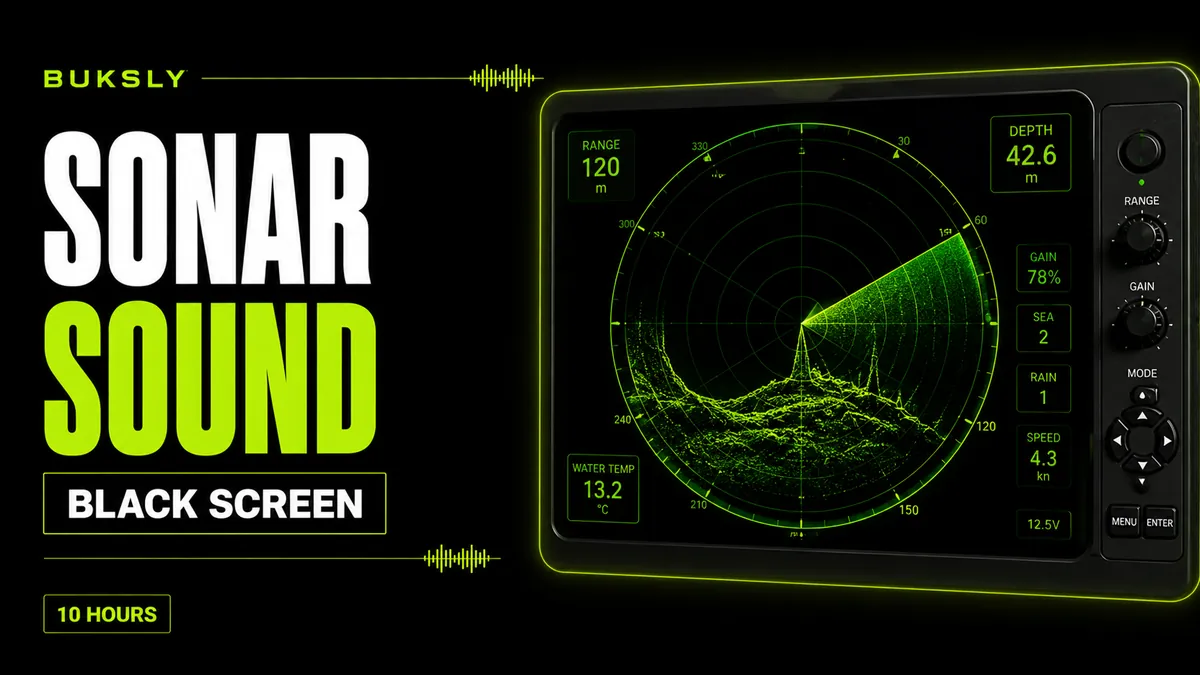
Sonar ambient cover for sleep

Sonar

A spacious underwater-style soundscape centered on recurring sonar tones, dark ambient depth, and long decaying intervals.

View category

How it works

Choose. Open. Listen.

Choose a recording and use case, then play a 10-hour session in your browser.

01

Pick a sound

Browse fifteen ambient recordings by their source character.

02

Choose a use case

Open the Sound for Use Case session for sleep, focus, reading, work, or another setting.

03

Press play

Listen with the browser player and keep the volume comfortable for your surroundings.